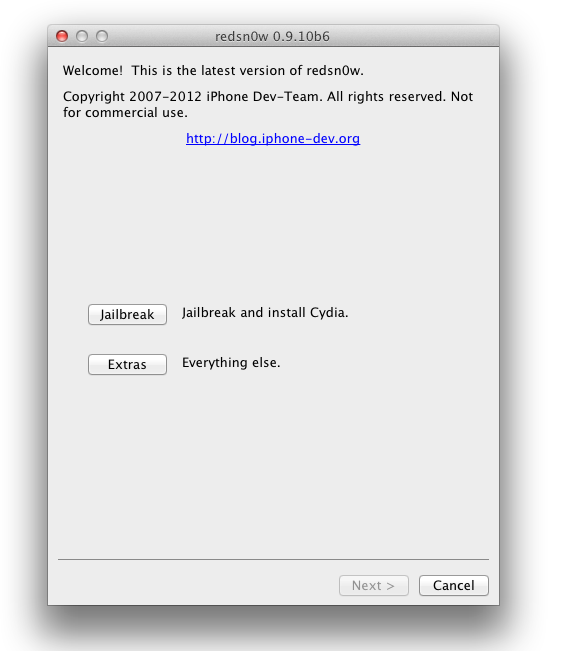
The iPhone Dev-Team has updated its Redsn0w jailbreak tool to include a tethered jailbreak for non-A5 iOS devices, meaning it won’t work on the iPhone 4S and iPad 2. A tethered jailbreak means the devices has to be connected to a computer to perform the jailbreak whenever the device is restarted. I normally recommend waiting for an untethered jailbreak, but if you can’t live without it, this option will work.
How to jailbreak iOS 5.1 using Redsn0w:
Step 1: Install the latest version of iTunes (10.6)
Step 2: Open iTunes and back up your device.
Step 3: Upgrade your firmware to iOS 5.1.
Step 4: Download the latest version of Redsn0w (Windows/Mac)
Step 5: Start Redsn0w and select “Jailbreak”, then “Install Cydia”. Follow the steps to place your device into DFU mode.
Step 6: This is the step you will have to perform each time your device is shut down. Launch Redsn0w, select “Extras”, then”Just Boot” in order to boot your device tethered.
Source: Redmond Pie