Our live coverage of Apple’s WWDC 2011 keynote will be starting at 10AM Pacific Time / 1PM Eastern Time. Check back later for live updates of the event which will feature announcements on OS X 10.7 Lion, iOS 5 and the unveiling of iCloud, Apple’s upcoming cloud services.
WWDC 2011 Keynote:
Thanks for joining us!
12:00AM: That’s all
11:57AM: Steve is showing off the new datacenter in North Carolina

11:55AM: iTunes match is $24.99 a year
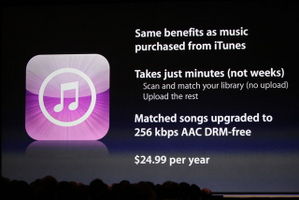
11:54AM: takes minutes instead of weeks
11:53AM: your iTunes library is scanned and matched. any songs that can’t be matched, you can upload.
11:53AM: iTunes Match Service
11:51AM: 5GB of free storage for mail, docs, backups. Purchased music, photo stream, apps and books don’t count toward that.
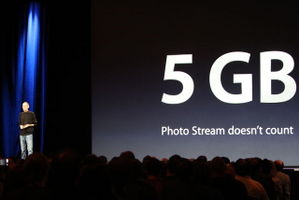
11:50AM: all the previously mentioned services are FREE!!!
11:48AM: demonstrating iTunes in the cloud
11:46AM: automatic download switch. once purchased, pushes to song to all devices
11:45AM: music can be re-downloaded to any device with no additional charge
11:44AM: next, iTunes in the cloud
11:42AM: demonstrating. taking photos on iPhone and they are on iPad seconds later
11:35AM: iCloud Storage APIs
11:33AM: documents are synced between all devices with iCloud
11:31AM: demonstrating documents in the cloud
11:30AM: on a new iPhone, just enter your Apple ID and password and everything is automatically restored.
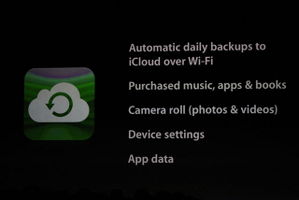
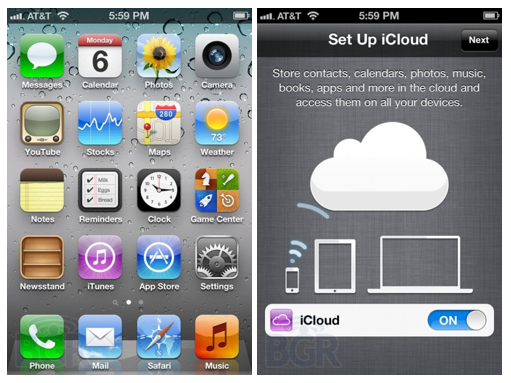
11:29AM: wirelessly backup devices to iCloud
11:27AM: showing how contacts and calendars sync across all devices with iCloud
11:24AM: everything happens automatically. “It just works.”
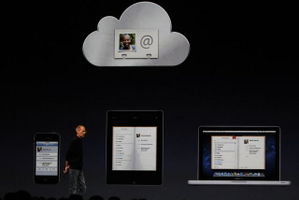
11:24AM: completely integrated with apps
11:23AM: iCloud stores your content in the cloud and wirelessly pushes to all devices
11:23AM: ”We think it’s way more than that.”
11:23AM: ”Some people think a cloud is just a hard disk in the sky.”
11:23AM: Things on iPhone sent to cloud immediately, then pushed down to other devices automatically.
11:22AM: all devices can talk to the cloud whenever they want
11:21AM: digital hub for all media being moved to the cloud
11:20AM: Steve back on stage to talk about iCloud
11:19AM: iOS 5 shipping this fall
11:18AM: new multitouch gestures
11:17AM: mirror iPad 2 to Apple TV
11:16AM: WiFi sync to iTunes
11:16AM: AirPlay Mirroring
11:15AM: looks like iChat. videos and photos are sent in high quality
11:13AM: text messages, photos, videos, contacts and group messaging
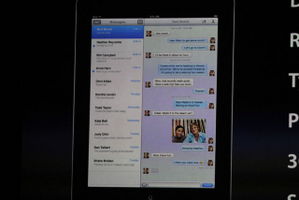
11:12AM: new messaging service for all iOS 5 users
11:12AM: #10 – iMessage
11:11AM: recommended friends, achievements points, game discovery
11:10AM: adding photos/avatars
11:09AM: #9 – Game Center
11:08AM: software updates over the air
11:08AM: setup and activate directly from device, no more syncing with iTunes.
11:07AM: #8 – PC Free
11:06AM: awesome new keyboard enhancements! system-wide. drag keyboard up, split keyboard (i’ve used this with a jailbreak tweak, makes it much easier to type on iPad)
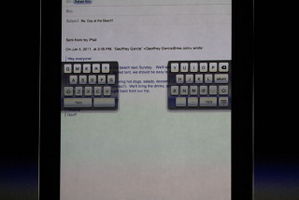
11:04AM: search entire emails (finally!!!)
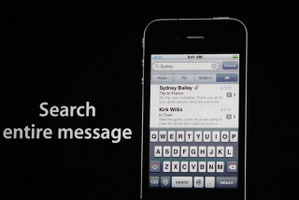
11:03AM: #7 – Mail
11:01AM: pinch to zoom, crop and rotate, red eye reduction.
11:00AM: lock screen shortcut to camera. volume up takes photos (hmm, i’ve been using this for a while)
10:59AM: #6 – Camera
10:58AM: new list making app
10:57AM: #5 – Reminders
10:55AM: tabbed browsing, reading list (looks like instapaper)
10:52AM: #4 – Safari
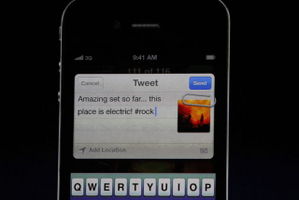
10:50AM: #3 – Twitter, built into iOS
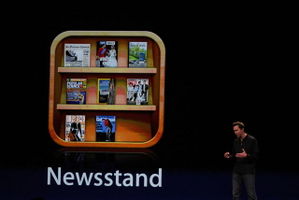
10:49AM: #2 – News Stand
10:47AM: looks very cool. lock screen now shows information. similar to some jailbreak tweaks we’ve seen.

10:45AM: Notification Center, single place for all notifications
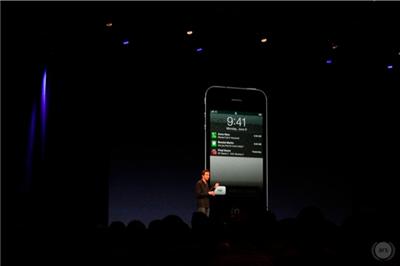
10:44AM: #1 – Notifications
10:43AM: 200 new features in iOS 5, talking about 10 of them today
10:43AM: 14 billion downloads from the App Store so far
10:41AM: talking about iPad 2. 25 million iPads sold in first 14 months
10:40AM: Scott Forstall takes stage for iOS 5
10:38AM: $29.99, available in July. new developer preview today.
10:37AM: 4GB. buy once, install on all Macs like all other Mac App Store apps
10:36AM: Lion available only in the Mac App Store
10:30AM: new version of Mail. new design, multi-colum view. similar to the iPad Mail app.
10:27AM: AirDrop, a new document sharing method
10:25AM: showing off Pages and how it works with the new resume feature.
10:24AM: demoing version control of documents. looks similar to Time Machine.
10:23AM: Lion auto saves just about everything
10:21AM: apps feature resume like iOS, instantly resume where you left off. even after a reboot.
10:20AM: demoing LaunchPad. very iOS-like with pages of icons and folders
10:19AM: Push notifications
10:18AM: in-app purchases will be available in Lion Mac App Store
10:18AM: talking about the Mac App Store
10:16AM: showing off using Mission Control with multitouch gestures
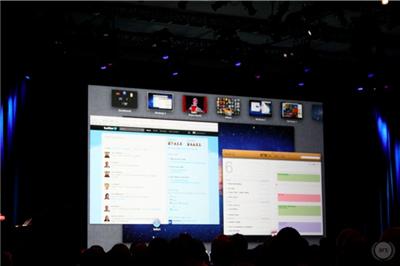
10:15AM: targeted facial enhancements, looks awesome!
10:14AM: Photo Booth can now track your face
10:12AM: Everything looks and behaves similar to iOS
10:12AM: demoing Mission Control. “The best feature of Lion.”
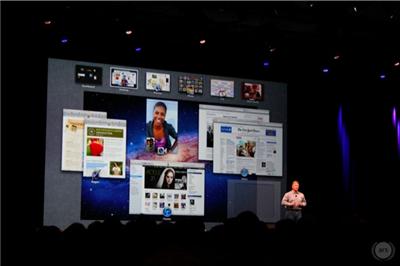
10:10AM: the swipe gestures are pretty cool. easily switch between full screen apps.
10:09AM: Full Screen Apps. nothing new here, we’ve already seen this.
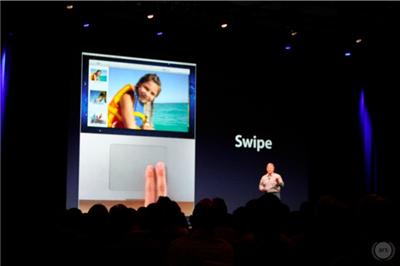
10:09AM: showing multitouch gestures similar to iOS
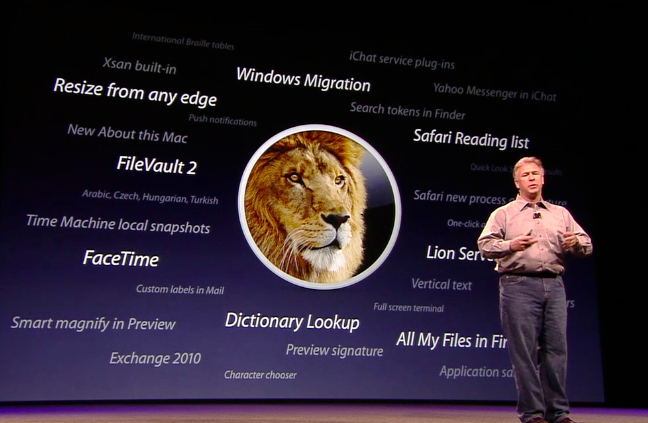
10:08AM: 250 new features in Lion, only 10 being shown today
10:07AM: “Where do we take it next?”
10:06AM: Phil is talking about OS X over the last 10 years
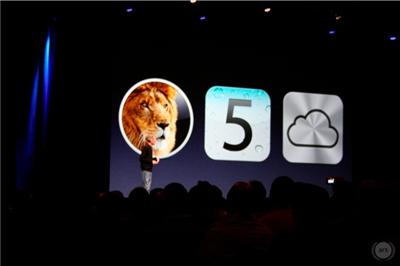
10:04AM: Phil Schiller takes the stage to talk about Lion
10:03AM: “Today we’re going to talk about software.”
10:03AM: Standing ovation
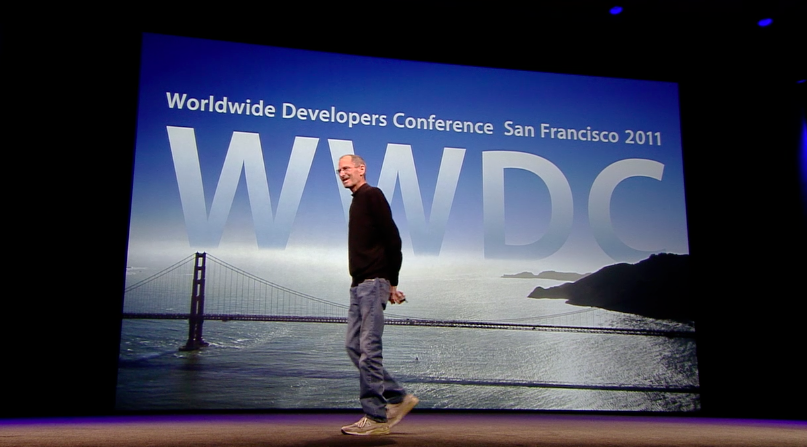
10:02AM: Steve Jobs is taking the stage
10:00AM: crowd is cheering and the event is about to start